Aa
Font weight
Semibold was clearest; small or tightly spaced heavy lettering blurred together, while Regular weight showed jagged edges.
Product incubation · Apple Vision Pro
Designing for a display that faces the world.
Footage: AppleThe project
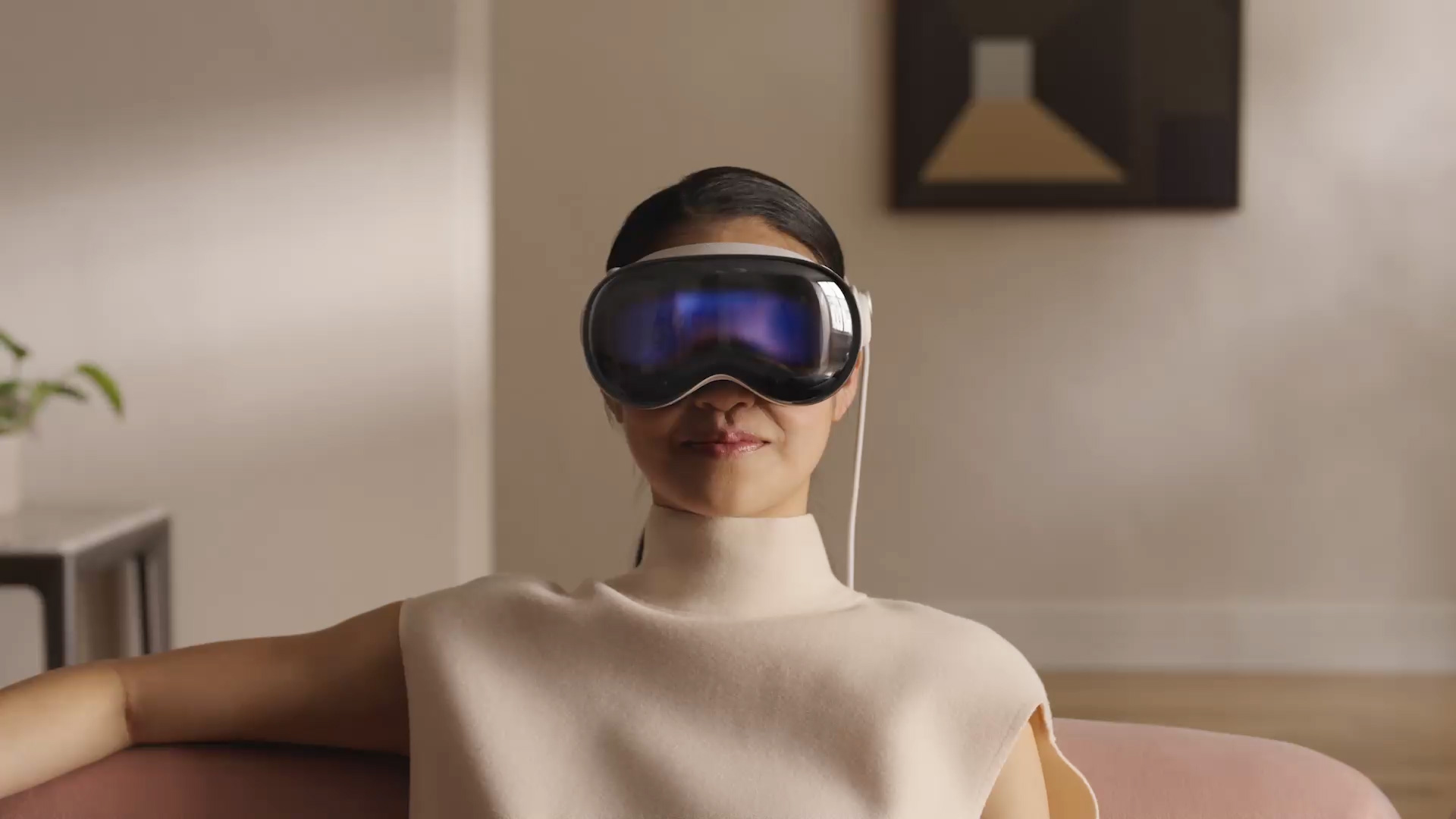
EyeSight is the curved 3D display on the front of Apple Vision Pro. It can reveal a representation of the wearer's eyes to people nearby—a way to preserve a human connection while someone is inside a spatial experience. I explored how to design for that unfamiliar surface and delivered design guidelines from the findings. I then used the display to prototype a more self-contained Persona setup.
01 / Learn the medium
EyeSight uses a curved OLED display behind a lenticular lens, and people see it from changing angles. Familiar flat-screen rules did not carry over. I tested early hardware systematically, examining typography, color, stroke, depth, placement, and motion to learn what remained legible.
Semibold was clearest; small or tightly spaced heavy lettering blurred together, while Regular weight showed jagged edges.
Text was easier to read on dark backgrounds. Colored text on black reduced perceived fringing.
Horizontal strokes read more cleanly than vertical, diagonal, or curved ones. Intricate small glyphs broke down sooner than simple text.
Content was sharpest at 0 cm; deeper layers needed larger forms. Centering and motion improved legibility.
These illustrations recreate, for this portfolio, a small selection of findings from the broader EyeSight study.
From findings to a principle
We proposed a curved depth model: layers that follow the shape of the display instead of sitting on flat planes. Diagrams, an explainer, and “inside the shell” explorations helped turn those tests into reusable guidance for depth.
Content placement guideline
The content placement guidelines I helped develop drew on many findings from our tests. One was that legibility dropped toward the far edges.
02 / Put the language to work
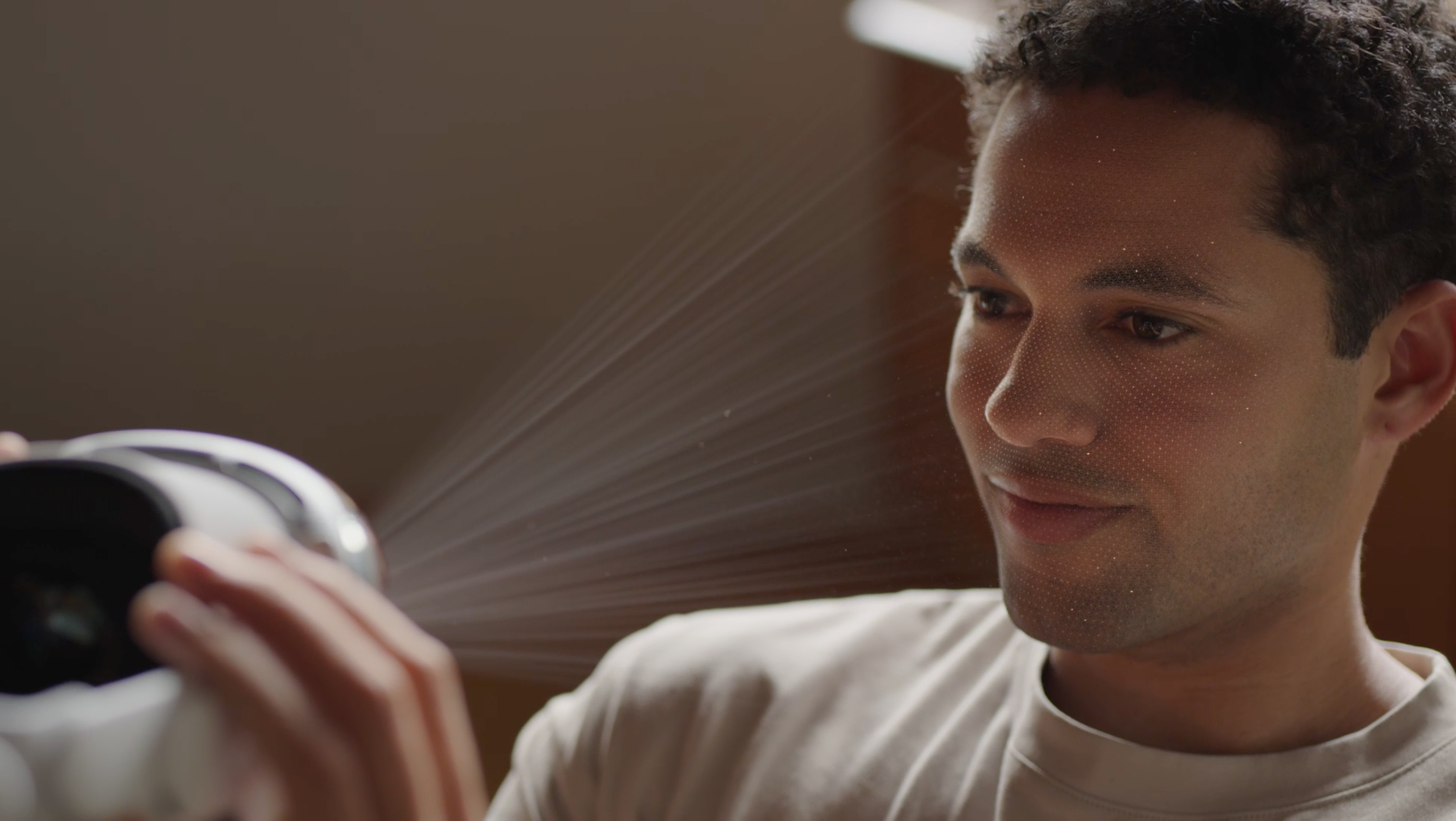
Persona enrollment posed a challenge: people had to remove Vision Pro and hold it toward their face, but could no longer see its internal interface. An iPhone seemed necessary to show the instructions.
We built a prototype that proved Persona enrollment could happen entirely on Vision Pro, with EyeSight's outward-facing display as the guide.
The interactive prototype
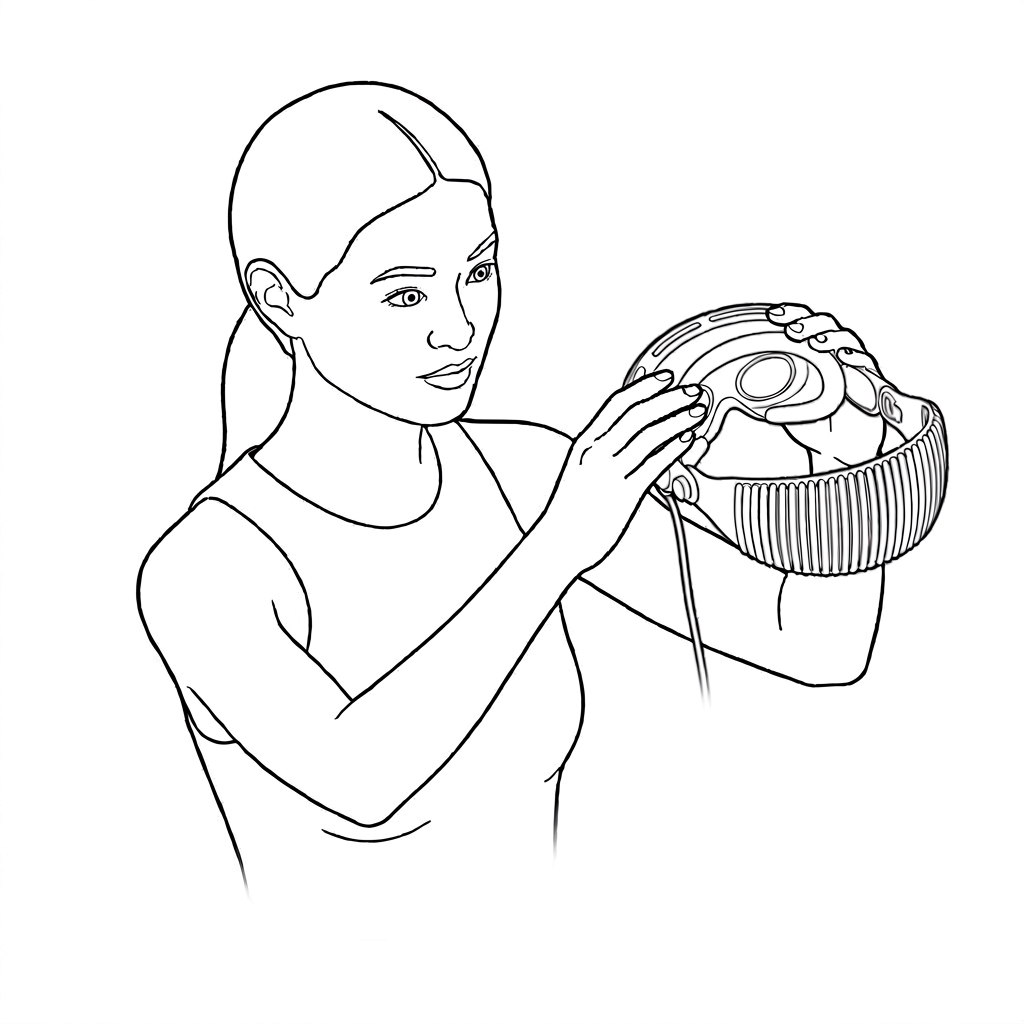
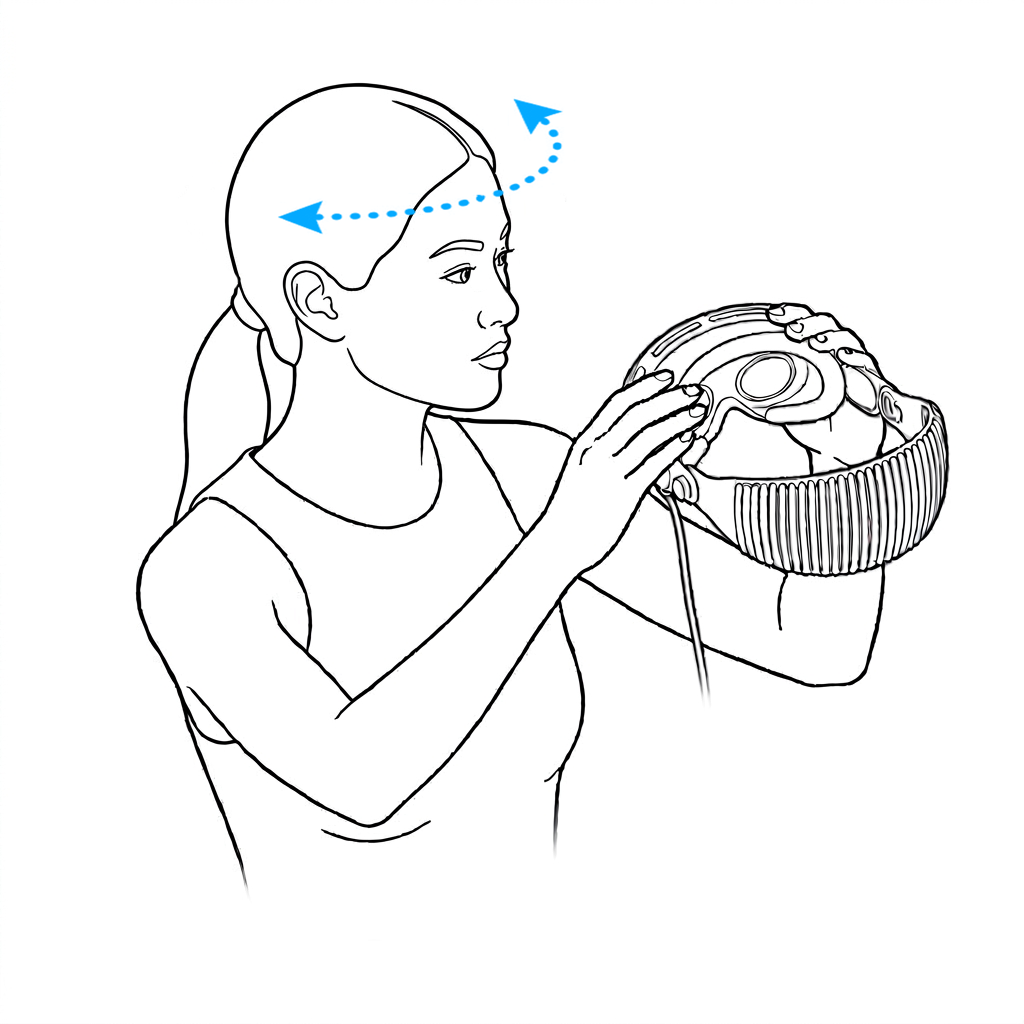
That prototype combined live face tracking with a responsive mirror and interactive cues, giving people immediate feedback on where to position the headset and how to capture their appearance. We worked with the Persona team to define the essential steps, keeping the flow brief and clear while gathering the data needed for a high-quality Persona.
Keep your arms and shoulders relaxed.

Smile showing your teeth



These illustrations recreate the enrollment steps for this portfolio; they are not captures of Apple's internal prototype.
The shipped experience
In Persona Enrollment, the outward-facing display works with spoken instructions and audio feedback to guide someone holding Vision Pro toward their face. The full experience stays on the headset.
Footage: Apple
What the work showed
My contribution & outcome
I turned early display tests into visual guidance for a new medium, then applied that guidance to a demanding interaction: coaching a face scan through an outward-facing screen. I worked with teammates to build the proof of concept using Unity, After Effects, Cinema 4D, and Xcode, and demonstrated it on the hardware.
The demo showed that Persona setup could work without an iPhone or another screen. The experience that shipped closely follows the flow we demonstrated. EyeSight and Persona setup were the work of many people across Apple; this page describes my part in that larger effort.